| Chapter 6: Flickr | |
| Michael Stephens | |
|
|
|
| Abstract |
What can social software do for your library? Library staffers like the ones at Ann Arbor District Library (AADL) in Ann Arbor, Michigan, can tell you. “Just a brief look at our Director's Blog will illuminate the fact that the blogs promote a constant two-way dialogue between our director, Josie Parker, and the public,” notes John Blyberg, who works at AADL and authors Blyberg.net. “[You can also] take a look at some of AADL's other blogs that are staffed by some very clued-in, bright minds,” he adds. AADL has realized real benefits of social-software use—a four-branch public system with 46% of its district-population served holding library cards, it has not only experienced an increase in the number of online visitors, but these days the public library is also boasting more than 20,000 registered users utilizing its Web site for library-related interaction and services. Incorporating such tools as blogs and RSS feeds, AADL's Web portal also recently garnered accolades from the Library Administration and Management Association (LAMA) in its 2006 Best of Show competition (Best of Show/Winner, Web Page/Home Page, $6,000,000+ category). AADL is just one of many libraries making patron/user inroads with Web 2.0 tools and also is just one of many cutting-edge libraries discussed in Michael Stephens's July/August 2006 issue of Library Technology Reports, “Web 2.0 & Libraries: Best Practices for Social Software.” “Some see…Web 2.0 as a set of ever-evolving tools that can benefit online users,” notes Stephens in the report's introduction. “With these tools, users can converse across blogs, wikis, and at photo-sharing sites…via comments or through online discussions… Some libraries and librarians are involved in creating conversations, connections, and community via many of these social tools. But it may be time for more librarians to explore how these tools can enhance communication with users…” Among the (virtually free) social software tools Stephens examines in his report:
Not only does Stephens present in-depth discussion of the above-listed technologies, he also provides a plethora of library social-software use examples—from AADL's blog-based site and Kankakee Public Library's Podcasts and Streaming Media to the Kansas City Public Library's innovative use of RSS feeds in many of its subject guides, to the dedicated librarians creating wikis as user-centered tools for everything from best practices for libraries to the Ohio University Libraries BizWiki, a business resource created by librarian Chad Boeninger. About the Author Michael Stephens (MLS, Indiana University) has spent the last fifteen years working in public libraries as a reference librarian, technology trainer, and manager of networked resources. This fall, Michael will join the Graduate School of Library and Information Science (GSLIS) at Dominican University, River Forest, IL, as an Instructor. In 2004, he was awarded an Institute of Museum and Library Services–funded fellowship for the University of North Texas IMLS Distance Independent Information Science Ph.D. Cohort Program to study libraries, librarians, and social software. He is currently writing his dissertation. Active in the American Library Association, he has presented at library and information venues across the country as well as internationally. Michael is well-known for his popular Tame the Web Blog, he writes for the ALA TechSource Blog, and he tours with Jenny “The Shifted Librarian” Levine for the Social Technologies Roadshow. In 2005, he was named a Library Journal “Mover and Shaker,” and he served as a scholar at the Chicago Public Library's Scholar in Residence program. He also has written for Library Journal and co-authors a dept. in Computers in Libraries with Rachel Singer Gordon. He resides in Mishawaka, IN, and spends as much of the summer as possible in Traverse City, MI. |
Flickr (www.flickr.com) is an image-hosting online community, which has captured a great deal of attention from image enthusiasts, photographers, and technologists. Levy and Stone in the recent Newsweek cover story on social software reported:
At its first release two years ago, Flickr is in some ways the ultimate user-centric site—its customers even helped shape the direction of the company as it moved from an online game to an instant-messaging service with pictures to what it is now—a way for people to upload their photos and share them with the entire community of users. This small shift from previous online photo sites, which stored your pictures in the hope that you'd order prints, changed everything. What was once the digital equivalent of a shoebox became a vibrant community built around photos and a vast collaborative effort to produce an infinite scrapbook.1
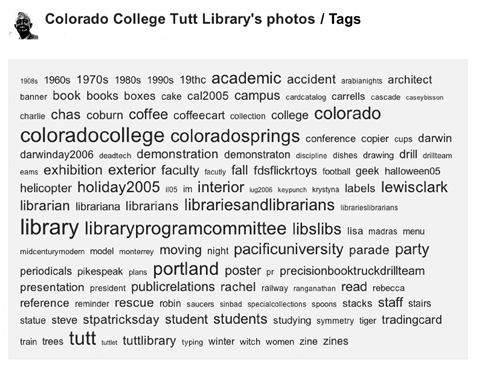
Flickr can pull you in, mesmerize you, and suddenly, hours will have passed as you click through the various images, clusters and “most interesting” shots in every subject—or tag—imaginable. Registered users can comment on photos, create image “pools” and users around a central theme, and actually select favorite pictures. Tagging is paramount as well:
Because tagging is so flexible, when others see interesting tags they sometimes apply them to their own photos or even try to take pictures that will fit those categories. For instance, the existence of a Flickr tag “squared circle” leads members to look for such patterns in their surroundings, and take pictures when they perceive them. Users will often form “groups” to share their art (in this case, “squared circle,” now with 3,500 members and more than 26,000 pics).2
All of the tools I've discussed in this issue of LTR offer absolutely free set-up options; WordPress, Trillian, MediaWiki are all free applications. With Flickr, however, this could be the one time that you should consider spending the fee to become a Pro member. For twenty-five dollars per year, Pro members get up to two gigabytes of picture storage. Because of the benefits Flickr can provide to libraries, in my opinion, it's twenty-five bucks well spent.
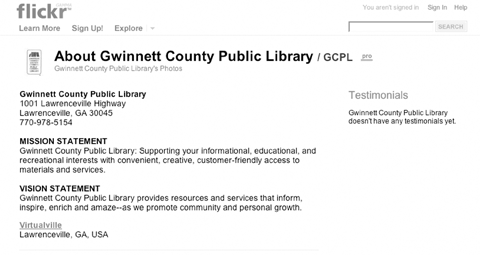
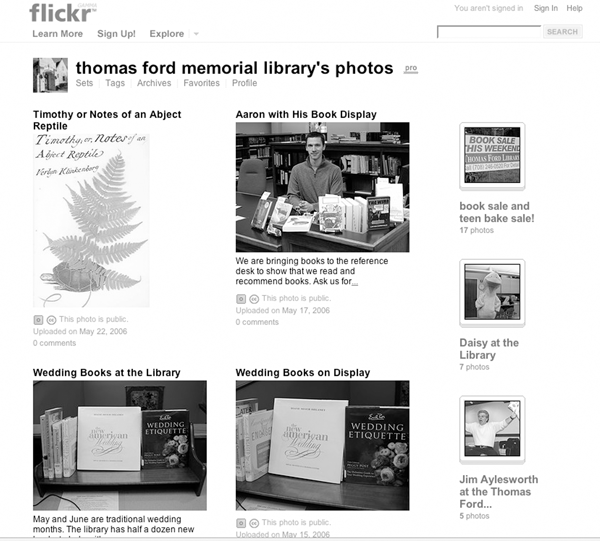
Once again, some cutting-edge librarians found their way to Flickr and established their own sites—pools related to all things library and librarian; groups that posted images of librarians' desks; and some libraries actually registered their own Pro accounts.
One benefit of storing images at Flickr is the easy ability to place the images in blogs (by clicking the Blog This button) or into any Web page via a code generator, which offers a choice of image sizes and either a straightforward <img src> tag or code that allows a click through to the Flickr site.
Another benefit of using Flickr and tagging photos with your library's name and location—it gets you found in the great pool of all of the photos in Flickr. Maybe someone is searching Flickr for his or her hometown, discovers images of the local library, and learns of services or programs this individual didn't know about? Participating in this type of social-software community is relatively inexpensive, can offer presence, and it's fun! Other features:
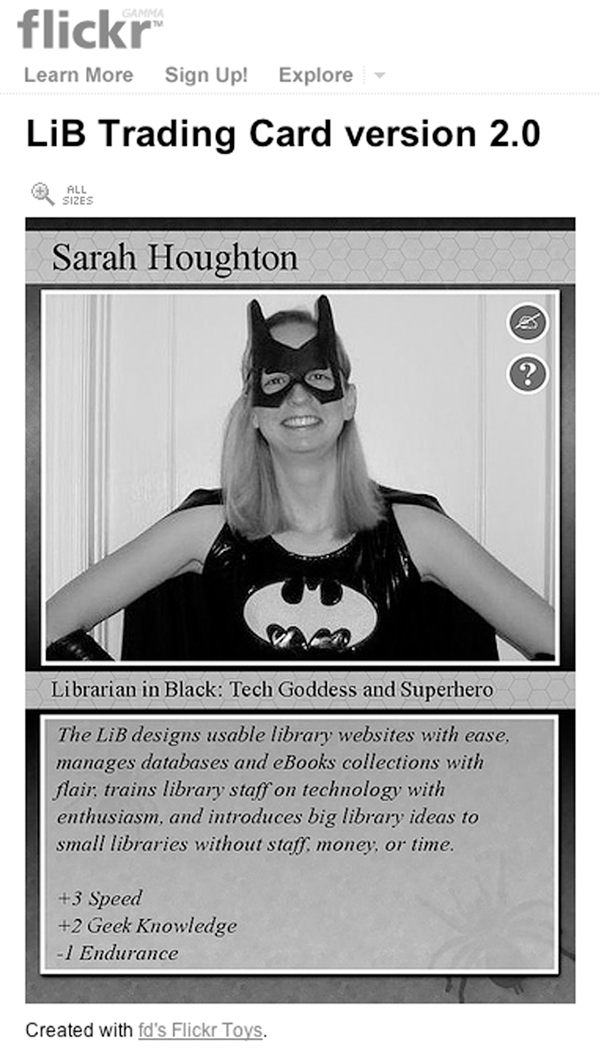
Because Flickr opened its API (application programming interface), Web resources abound to take advantage of mashing up images in fun and interesting ways. For example, many librarians created their own trading card with flagrant disregard's (fd's) trading-card generator (http://flagrantdisregard.com/flickr).
Beyond the fun involved, some library trainers use a Flickr account to share photos of their sessions as well as to create promotional pieces to announce upcoming training sessions. For example, using fd's Flickr toys you could create inspirational posters, billboards, magazine covers, and trading cards for your classes, and post them online and in printed versions.
Printed trading cards or posters that you can order from the Flickr site might come in to play as well, as part of games and exercises in class. There are no limits to what you can do with Flickr and Flickr toys!
Need some proof to sell the expenditure to your director or administration? Not sure what to do with a Flickr account? Take a look at the following examples of libraries driving traffic to their services—meeting library users and potential library users where they already are playing online:
fd's Flickr Toys http://flagrantdisregard.com/flickr
The Librarian's Trading Card Pool www.flickr.com/groups/librariancards
Librarian in Black's Librarian Trading Card www.flickr.com/photos/librarianinblack/110354918
In addition, Flickr slide shows can be embedded in library Web sites; RSS is available from users, pools, comments, tags, and more. Prints and posters can be ordered from the site, and some libraries are actually using Flickr to store the images for their wiki-based procedural manuals.
“10 More Reasons to Use Flickr in Your Library” http://tametheweb.com/2006/05/10_more_reasons_to_use_flickr_1.html
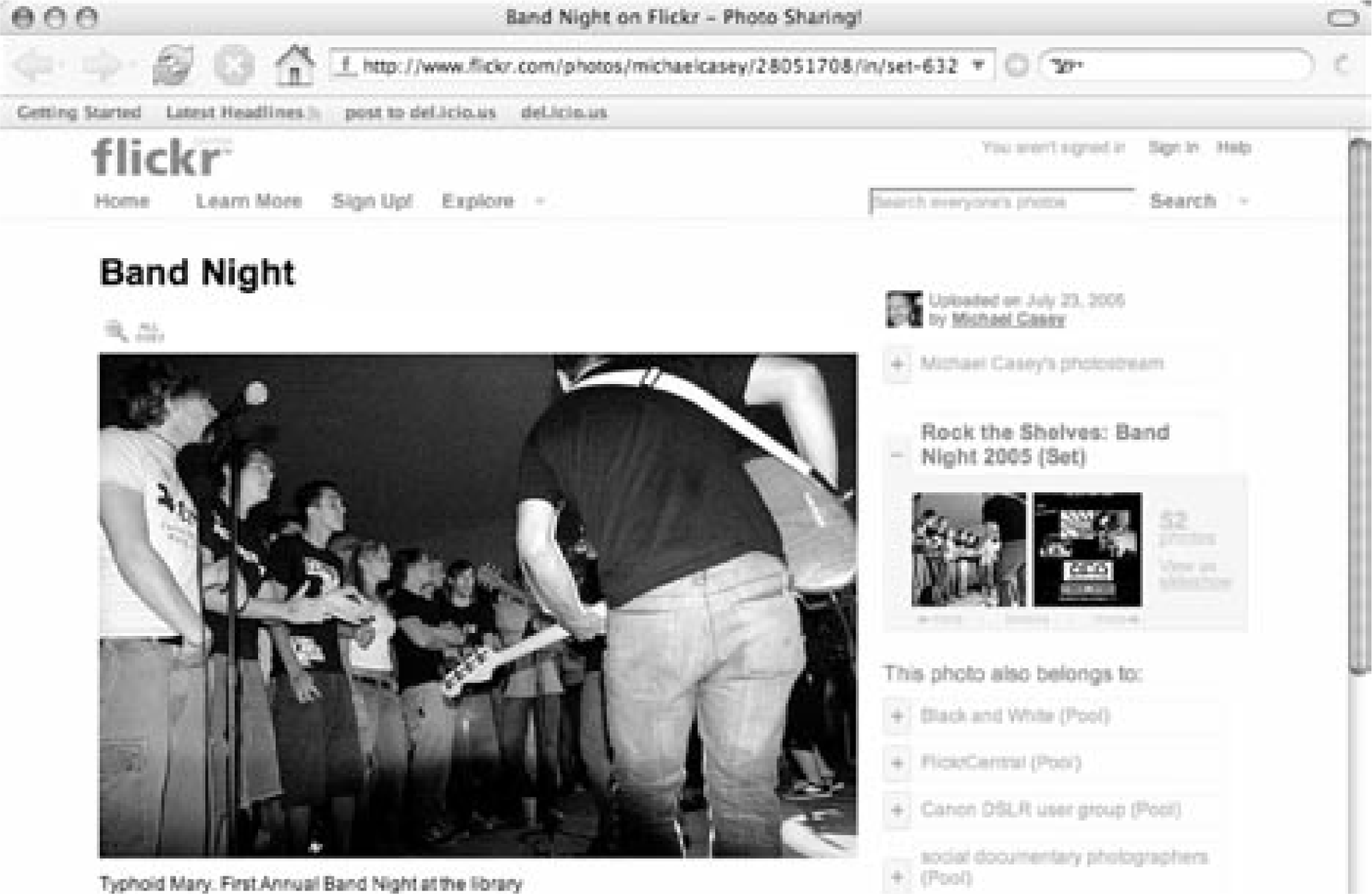
“Rock On Westmont PL & Flickr! (Updated!)” http://tametheweb.com/2006/06/rock_on_westmont_pl_flickr.html
| 1. | Steven Levy and Brad Stone, “The New Wisdom of the Web,” Newsweek (April 3, 2006), www.msnbc.msn.com/id/12015774/site/newsweek/ (accessed May 31, 2006). |
| 2. | Ibid. |
[Figure ID: fig1] |
Figure 22
The Librarian in Black's Trading Card, www.flickr.com/photos/librarianinblack/110354918 |
Article Categories:
|
|